SSD vs HDD in 2026: What You Should Actually Buy
SSDs are faster; HDDs are cheaper per terabyte. Here's the clear, current breakdown of which drive to buy for speed, storage, and backups — and why.
If your computer feels slow, storage is often the culprit — and the SSD-vs-HDD choice is the biggest lever you have. Here's the honest, current breakdown so you buy the right thing.
The fundamental difference
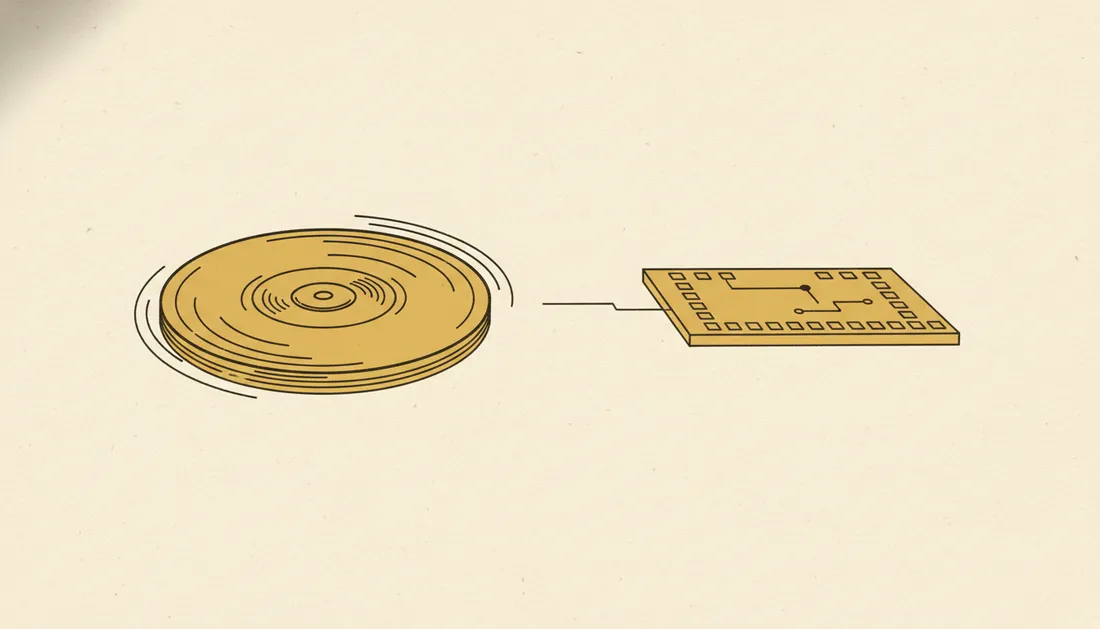
A hard disk drive (HDD) stores data on spinning magnetic platters read by a moving arm — like a tiny record player. A solid-state drive (SSD) has no moving parts; it stores data in flash memory chips, like a giant, fast USB stick. That single difference drives everything else.
How they compare
| SSD | HDD | |
|---|---|---|
| Speed | Very fast (instant) | Slow (mechanical) |
| Price per TB | Higher | Much lower |
| Durability | No moving parts, shock-proof | Fragile when bumped |
| Noise/heat | Silent, cool | Audible, warmer |
| Best for | OS, apps, daily work | Bulk storage, archives |
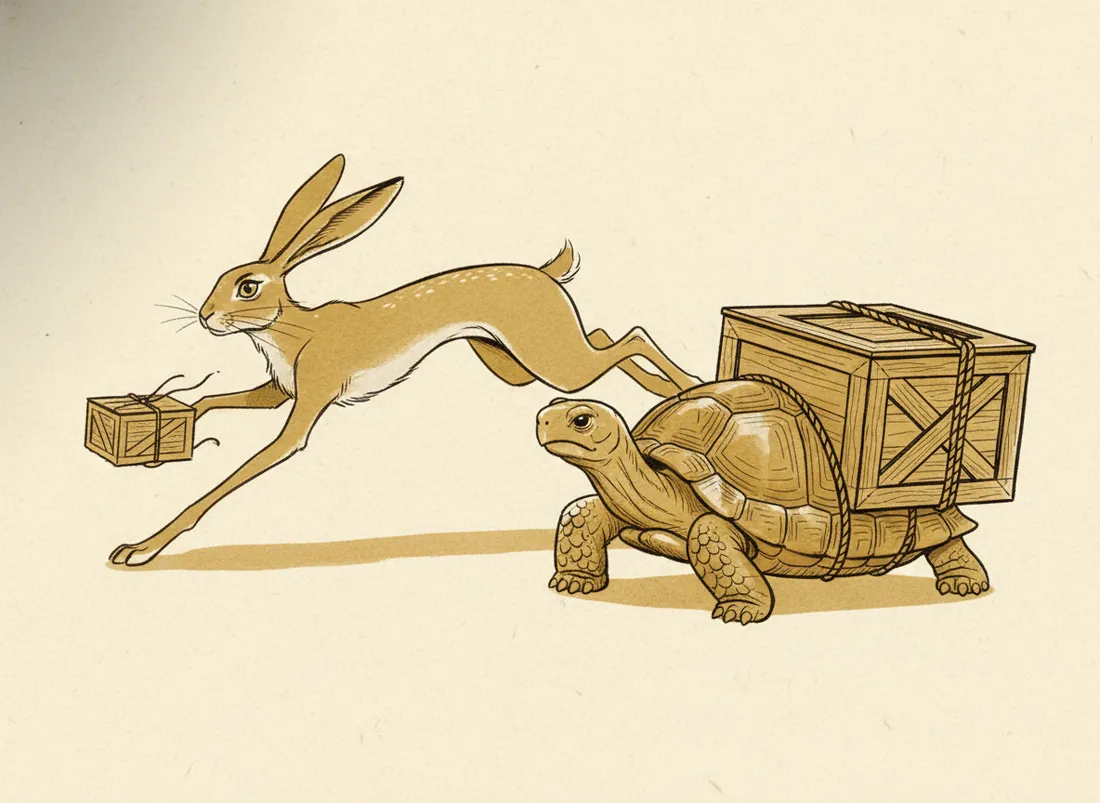
The speed gap is not subtle. Putting your operating system on an SSD is the single most noticeable upgrade most computers can get — boot times drop from a minute to seconds. It's also the first thing to try when you want to speed up an old laptop.
An SSD makes an old computer feel new. An HDD makes a new computer feel old.
One more wrinkle: NVMe vs SATA SSDs
Not all SSDs are equal. SATA SSDs use the old hard-drive connection and are already far faster than HDDs. NVMe SSDs plug straight into the motherboard and are several times faster again. For everyday use, any SSD transforms things; for heavy work like video editing, NVMe is worth it.
So what should you buy?
- Most people: an SSD (NVMe if your machine supports it) for everything. The capacity is plenty and the speed is transformative.
- Lots of media/archives: an SSD for your system + a big HDD for cheap bulk storage.
- Backups: HDDs are great value for backup drives, where speed matters less than cost-per-terabyte.
Key takeaways
- SSDs are vastly faster; HDDs are far cheaper per terabyte.
- Put your OS and apps on an SSD — it's the biggest speed upgrade.
- NVMe SSDs beat SATA SSDs for heavy workloads.
- Best value combo: SSD for system, HDD for bulk and backups.
Frequently asked questions
Is an SSD always better than an HDD?
For speed, yes — dramatically. But HDDs cost far less per terabyte, so they still win for cheap bulk storage and archives. The best setup is often an SSD for your system and an HDD for mass storage.
Do SSDs wear out?
They have a finite number of writes, but modern SSDs last many years of normal use — typically outliving the computer. For everyday users, wear-out is not a practical concern.