USB-C Cables Are Lying to You — How to Tell Them Apart
All USB-C cables look identical, but they're wildly different inside. Here's how to tell a fast-charging, fast-data cable from a useless one — before you buy.
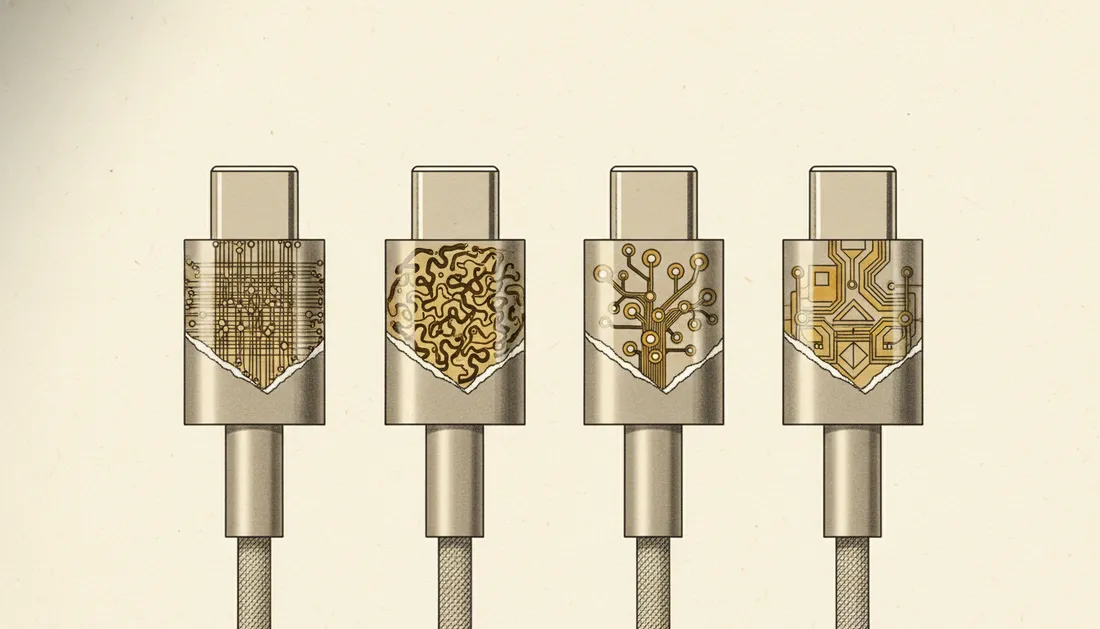
Here's an everyday frustration with a hidden cause: you plug your phone into a fast charger, and it charges slowly. The charger's fine. The culprit is almost always the cable — because USB-C cables that look identical can be wildly different inside.
The shape is a standard; the insides aren't
USB-C is just the connector shape. What a cable can actually do depends on the wires and chips inside, which vary enormously. Two specs matter, and they're independent:
1. Power (watts)
Cables are rated for how much power they can safely carry — commonly 60W or 100W+ (the higher ones contain an "e-marker" chip). A cheap cable might top out at 15–18W, so your 65W charger and laptop will charge at a crawl. The cable caps the charging speed, not just the charger.
2. Data speed
This is the sneaky one. Many USB-C cables — including most that come in the box with chargers — are charge-only or USB 2.0, meaning they transfer data at a painfully slow 480Mbps. Others support 10Gbps, 20Gbps, or 40Gbps (Thunderbolt/USB4). Plug your fast SSD into the wrong cable and it crawls.
A USB-C cable can be a power monster and a data tortoise — or the reverse. The plug tells you nothing.
How to tell them apart before buying
- Read the printed specs. Good cables state wattage (e.g. "100W") and data standard (e.g. "USB4 40Gbps"). No specs listed is itself a warning.
- Match the cable to the job. Charging a laptop? Want 100W. Moving big files? Want a high-Gbps cable. Don't assume one cable does both well.
- Label your cables. Seriously — a tiny sticker saves you re-testing the mystery cable in the drawer.
- Buy from reputable brands. The cheapest unbranded cables are where corners get cut.
The "TOPS"-style trap
Like the TOPS numbers in laptop ads, USB-C marketing leans on the impressive-sounding spec and hides the limiting one. Read the boring details and you'll never buy a dud cable again.
Key takeaways
- USB-C is just the plug shape — capabilities vary hugely inside.
- Power (watts) and data speed are separate; a cable can be good at one, bad at the other.
- The cable, not just the charger, caps your charging speed.
- Read the printed watt/data specs and label your cables.
Frequently asked questions
Why does my fast charger charge slowly with some cables?
Because the cable, not just the charger, sets the limit. A thin 'charge-only' or low-wattage cable caps the power no matter how good your charger is. You need a cable rated for the wattage you want.
Are expensive USB-C cables worth it?
Not always — but the cheapest no-name cables often cut corners on wattage and data speed. Buy from a reputable brand and check the printed specs (watts and data standard) rather than price alone.