How to Speed Up an Old Laptop (Without Spending Money)
Before you buy a new machine, try this. Here's a practical, ordered checklist to make a slow old laptop feel fast again — most steps cost nothing.
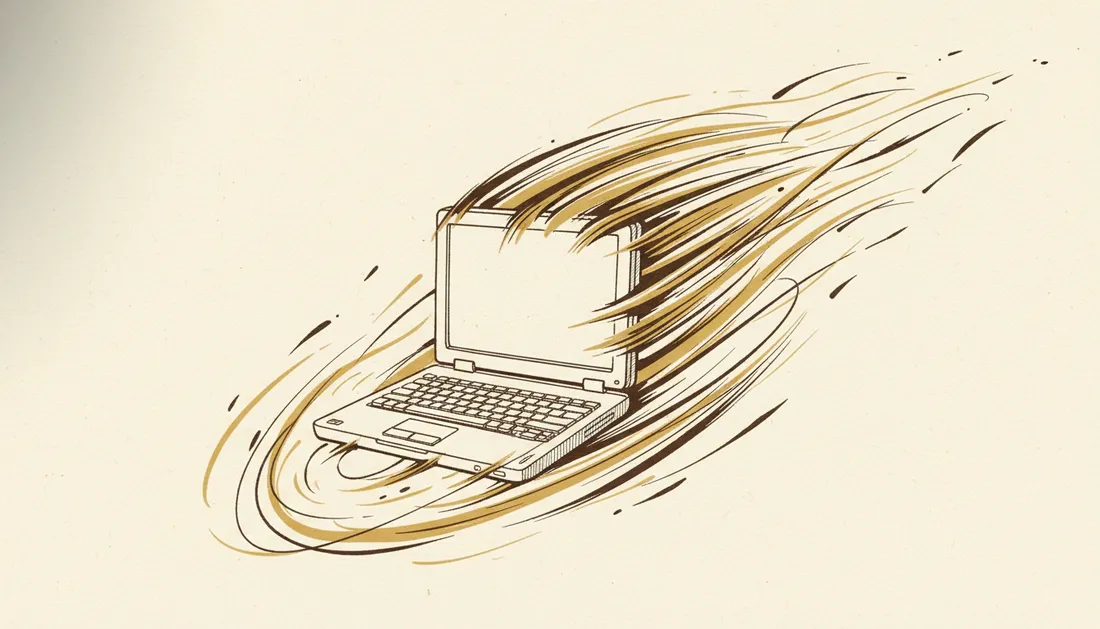
Before you spend money on a new laptop, spend twenty minutes on the old one. A surprising number of "dying" laptops are just clogged, not broken. Here's an ordered checklist — start at the top, and most steps are completely free.
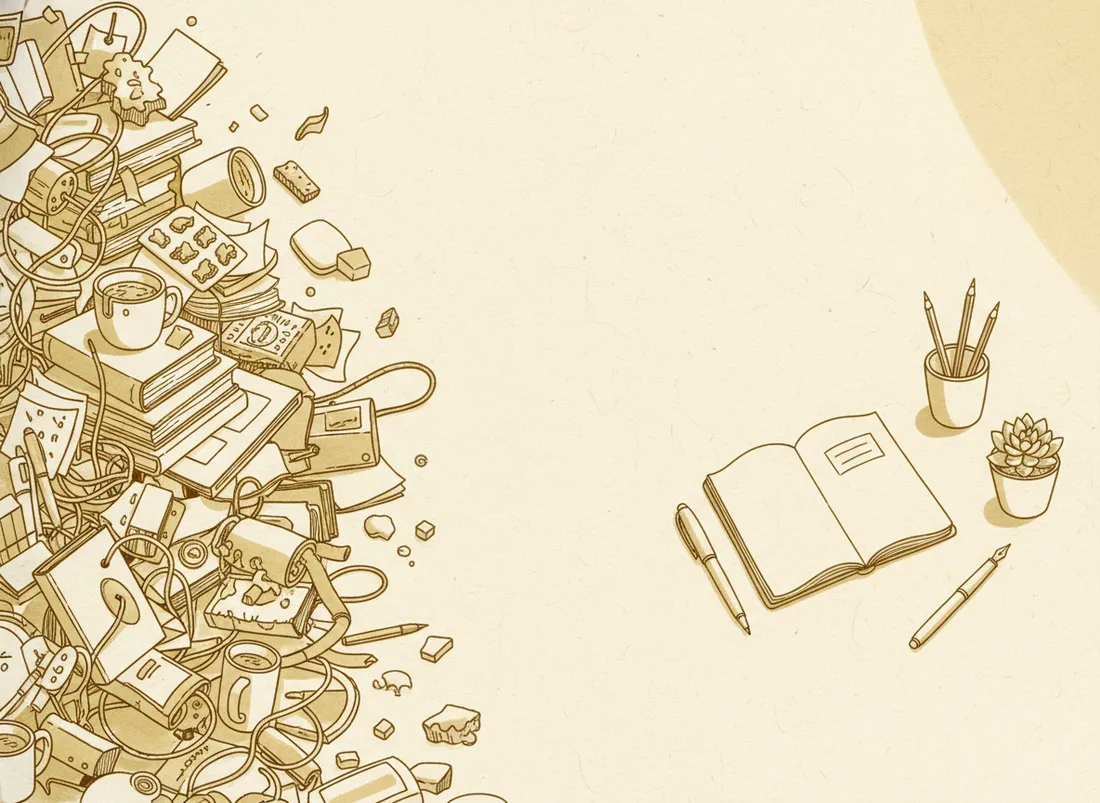
Free fixes, in order of impact
- Trim startup programs. Half the slowness is apps that launch with the system and run forever. In Task Manager (Windows) or Login Items (Mac), disable everything you don't need at boot. This alone often transforms start-up.
- Restart properly. Many people only ever sleep their laptop. A real restart clears memory and pending updates — sometimes that's the whole fix.
- Free up disk space. A nearly-full drive slows everything. Delete junk, empty the trash, uninstall unused apps. Aim to keep 15–20% free.
- Update the OS and drivers. Updates fix performance bugs and security holes. Counterintuitively, being up to date usually makes things faster, not slower.
- Cut browser bloat. Dozens of tabs and extensions devour RAM. Close tabs, remove extensions you don't use — the browser is often the real hog.
- Scan for malware. Mysterious slowness is sometimes something running that shouldn't be.
Most "slow" laptops aren't worn out — they're just carrying years of clutter they were never asked to put down.
The nuclear option (still free)
If it's still sluggish, reinstall the operating system fresh. Years of accumulated software leave residue that no cleanup fully removes. A clean install — back up your files first — can make an old machine feel close to new. It's the most effective free step, just the most involved.
The one upgrade worth paying for
If you'll spend anything, spend it on an SSD. Swapping an old spinning hard drive for a solid-state drive is the single most dramatic speed upgrade a laptop can get — and it's inexpensive. Adding more RAM is the close runner-up if your laptop allows it. Together, those two often turn a frustrating old machine into a perfectly pleasant one for a fraction of a new laptop's price.
Key takeaways
- Start free: trim startup apps, restart, free disk space, update, cut browser bloat.
- A clean OS reinstall is the most effective free fix.
- The best paid upgrade by far is an SSD; more RAM is second.
- Most slow laptops are clogged, not dead — try this before buying.
Frequently asked questions
What single upgrade speeds up an old laptop the most?
Swapping a hard drive for an SSD. It's the biggest, most noticeable jump — boot and app-load times can go from a minute to seconds. If you'll spend on one thing, spend on this.
Will reinstalling the operating system help?
Often dramatically. Years of accumulated software, drivers and clutter slow a system down. A clean reinstall removes all of it and can make an old laptop feel close to new.