How Much RAM Do You Really Need? A No-Nonsense Guide
8GB, 16GB, 32GB? Here's how much RAM you actually need for browsing, work, gaming, creative apps and local AI — without overspending on numbers you won't use.

RAM is one of the most over- and under-bought components, because the marketing pushes big numbers and the real answer is "enough for what you do." Here's how to land on the right amount without wasting money.
What RAM actually is
Think of RAM as your desk space. The bigger the desk, the more things (apps, tabs, files) you can have open and switch between instantly. Your SSD or hard drive is the filing cabinet — vast, but slow to fetch from. When RAM fills up, the computer shuffles things to the slow drive ("swapping"), and everything crawls.
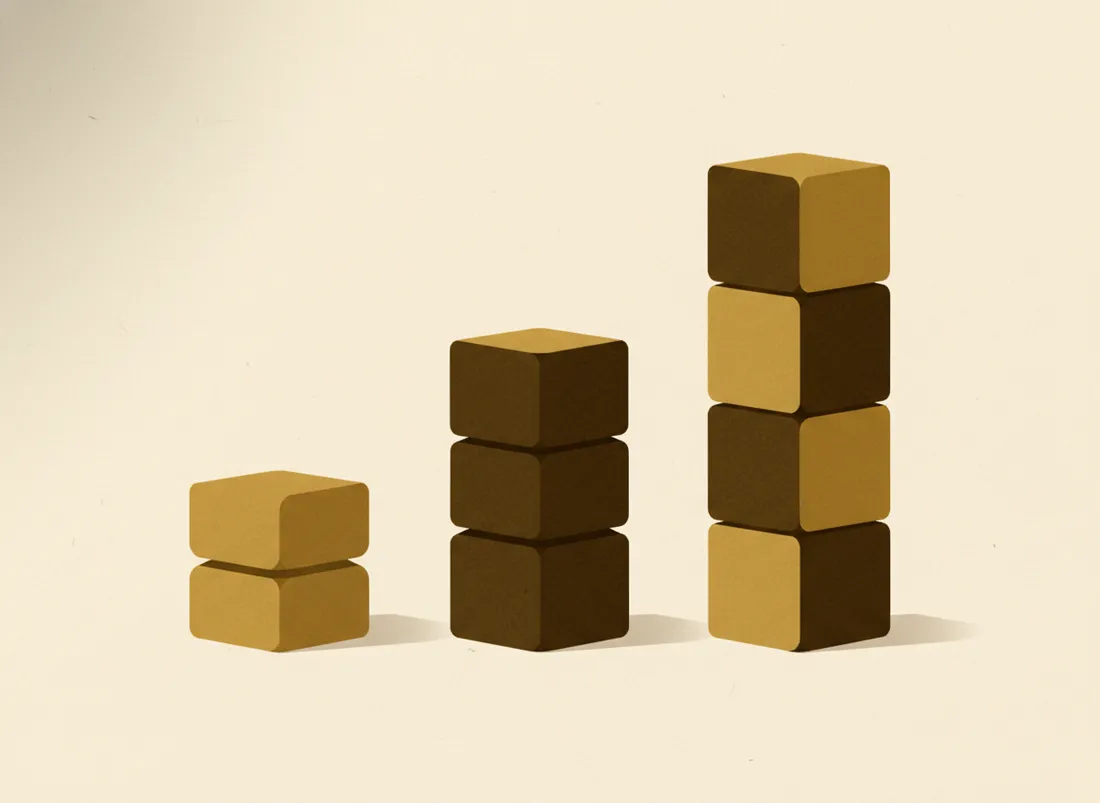
How much you need, by use
- 8GB — light use. Browsing, email, video, office docs. Works, but gets tight with lots of tabs. Fine for a budget or secondary machine.
- 16GB — the sweet spot. Comfortable for almost everyone: heavy multitasking, dozens of tabs, light creative work, casual gaming. If unsure, buy this.
- 32GB — power users. Serious gaming, video editing, virtual machines, large datasets, running local AI models. Worth it if you do these; overkill if you don't.
- 64GB+ — specialists. Professional video, 3D, big data, heavy local AI. You'll know if this is you.
The right amount of RAM is the smallest amount that stops your computer ever shuffling to disk.
The local-AI wrinkle
If you plan to run AI models on your own machine, RAM becomes the gating factor — a small model needs several gigabytes free, larger ones much more. This is the one modern reason a regular user might jump to 32GB. (See our guide to running an LLM locally.)
Two buying tips
- Check if it's upgradeable. Many laptops now solder RAM in — you can't add more later, so buy enough up front. Desktops are usually easy to upgrade.
- Don't pay for headroom you won't use. 32GB won't make browsing faster than 16GB. Spend the difference on an SSD or a better screen.
Key takeaways
- RAM is working "desk space"; running out makes everything slow.
- 16GB is the comfortable sweet spot for most people in 2026.
- Jump to 32GB for heavy editing, VMs, or local AI models.
- Check if RAM is soldered (can't upgrade) before you buy.
Frequently asked questions
Does more RAM make my computer faster?
Only up to a point. If you have enough for your tasks, adding more does little. If you're running out, more RAM gives a huge speed-up because the system stops swapping to disk. The goal is 'enough,' not 'maximum.'
Is 8GB still enough in 2026?
For light use — browsing, email, video, office docs — 8GB can cope but feels tight with many tabs. 16GB is the comfortable sweet spot for most people and the better buy if you can.