What Actually Happens When You Type a URL and Hit Enter
In the half-second between Enter and a loaded page, a remarkable relay happens. Here's the full journey of a web request — DNS, TCP, TLS, HTTP — in plain English.
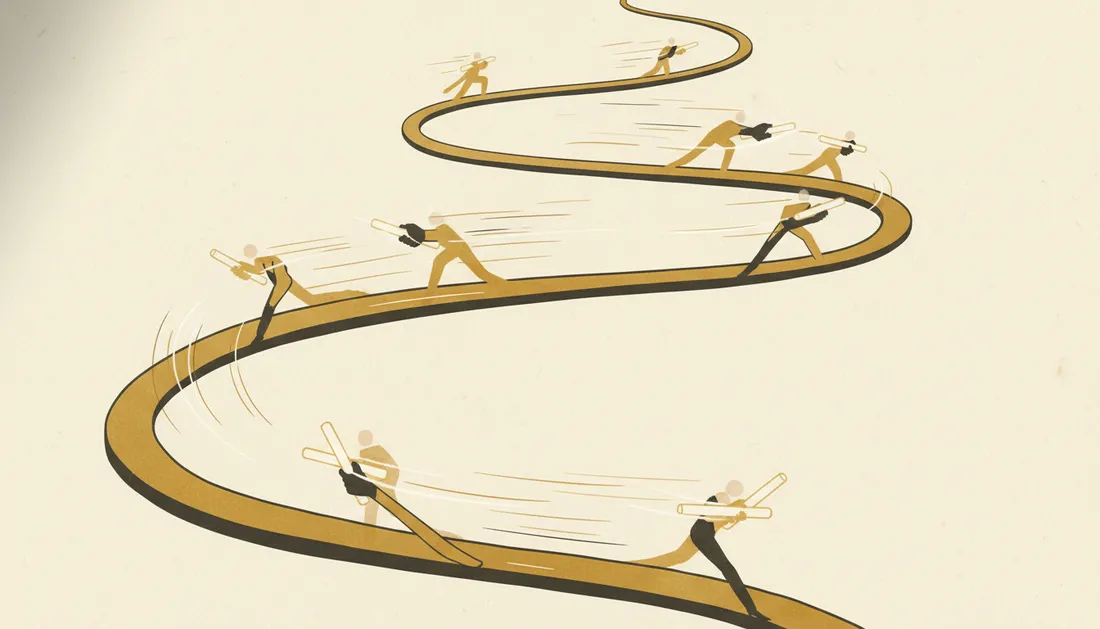
You type an address, press Enter, and a page appears almost instantly. In that blink, your request races across the world and back through a half-dozen carefully choreographed steps. Here's the whole journey — it's one of the best ways to understand how the web actually works.
Step 1: Find the address (DNS)
Computers don't use names like preciousky.com; they use numeric IP addresses. So first your browser asks the DNS — the internet's phonebook — "what's the IP for this name?" The answer often comes from a nearby cache in milliseconds. (We go deep on this in how DNS works.)
Step 2: Knock on the door (TCP)
With the IP in hand, your browser opens a connection to that server using TCP — a quick three-message "handshake" that establishes a reliable channel: hello → hello back → got it.
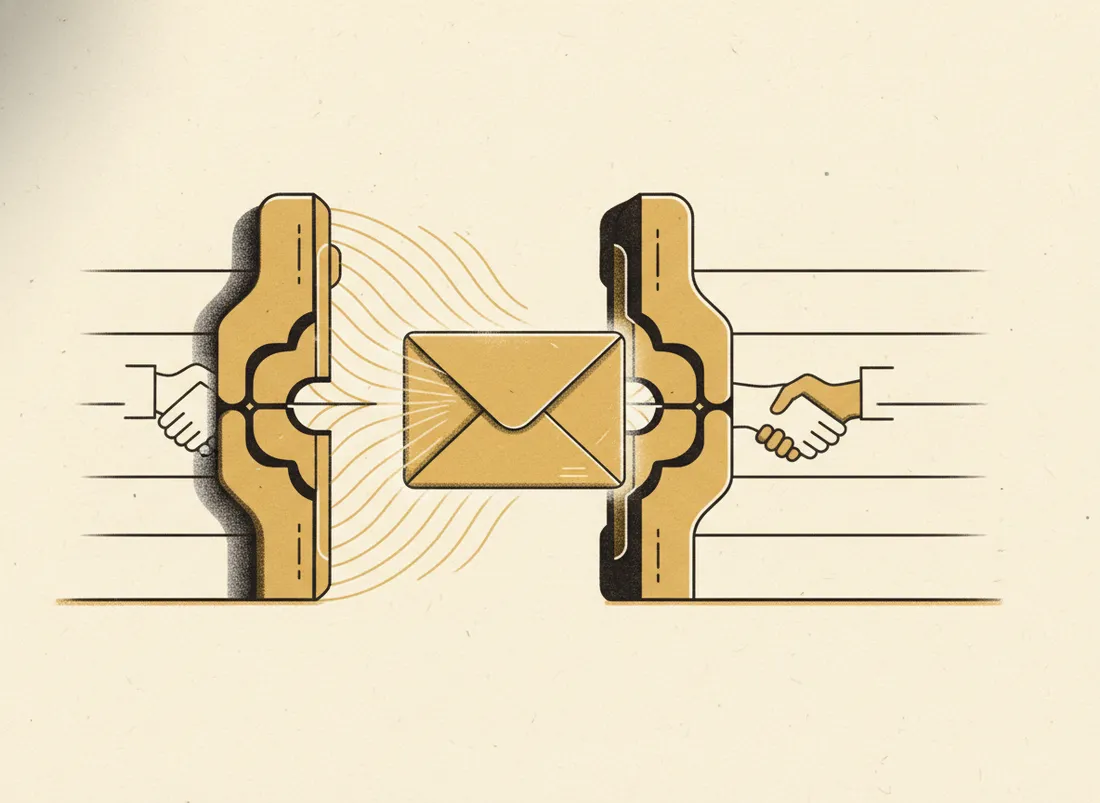
Step 3: Lock the conversation (TLS)
For any https:// site, the two sides now perform a TLS handshake: they verify the server's certificate (proving it's really that site) and agree on encryption keys. From here, everything they say is scrambled to anyone listening in between. This is the padlock in your address bar.
Step 4: Make the request (HTTP)
Now your browser sends the actual HTTP request: "GET me the homepage." The server processes it and replies with an HTTP status code (hopefully 200 OK) and the page's HTML.
By the time the page paints, your request has done a name lookup, a handshake, an encryption negotiation, and a conversation — usually in under a second.
Step 5: Build the page
The HTML is just the skeleton. As the browser reads it, it fires off more requests for CSS, JavaScript, images and fonts — often fetched from a CDN close to you for speed. It then assembles everything into the page you see, running scripts and laying out the design.
Why this is worth knowing
Almost every web performance and reliability issue lives in one of these steps: a slow DNS lookup, a distant server, a heavy page with too many requests. Understanding the relay makes the whole web — and why some pages feel instant and others crawl — suddenly legible.
Key takeaways
- DNS turns the name into an IP address.
- TCP opens a reliable connection; TLS encrypts it.
- HTTP requests the page; the server replies with a status code + HTML.
- The browser then fetches assets (often from a CDN) and builds the page.
Frequently asked questions
Why does the first visit to a site feel slower than the next?
The first visit does all the lookups and handshakes (DNS, connection, TLS) and downloads everything fresh. On return visits, much is cached and connections can be reused, so it's faster.
What's the difference between HTTP and HTTPS?
HTTPS is HTTP wrapped in TLS encryption. It means the conversation between you and the site can't be read or tampered with in transit. Nearly all sites use it now — it's the padlock in your browser.