Phone Battery Myths That Are Quietly Hurting Your Battery
Most battery advice is outdated. Here's what actually preserves a modern phone battery's lifespan — and the persistent myths you can safely ignore.
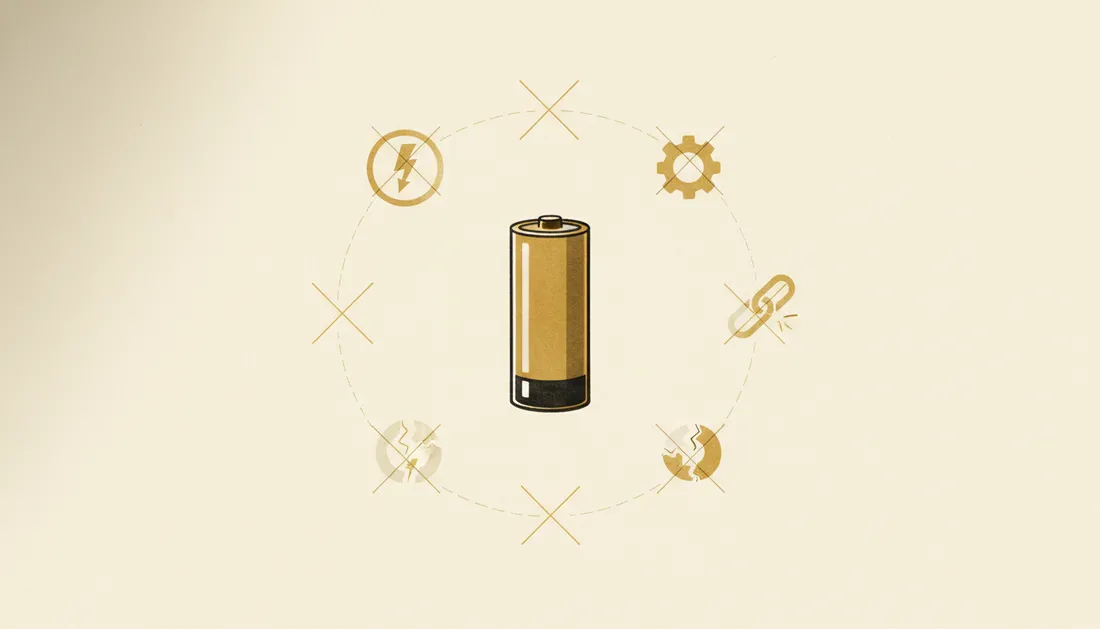
Battery advice is a graveyard of outdated rules from older battery chemistries. Today's phones use lithium-ion batteries with smart management built in — and following the old myths can actually do mild harm. Let's clear it up.
Myths you can drop
- "Drain it to 0% before charging." False, and slightly harmful. That was true for old nickel batteries. Lithium batteries hate deep discharge. Top up whenever you like.
- "Charging overnight kills it." No. Phones stop at 100% and often delay the last bit until you wake. Overnight is fine.
- "You must use the exact original charger." Any reputable charger that meets the right standard is fine — though check your USB-C cable is rated for the wattage you want.
- "Closing background apps saves battery." Usually the opposite — relaunching them from scratch uses more power than letting the system manage them.

What actually preserves battery health
Battery wear is mostly about heat and time spent at extremes. The real best practices:
- Keep it cool. Heat is the number-one battery killer. Don't leave it in a hot car or charge it under a pillow. Take the case off if it gets hot while fast-charging.
- Live in the middle. Batteries age slowest cycling roughly between 20% and 80%. You don't need to obsess, but avoid routinely sitting at 0% or 100% for long.
- Use optimised charging. Turn on your phone's "optimised" or "adaptive" charging setting — it learns your routine and avoids holding at 100%.
- Avoid the cheapest fast chargers. Quality matters; bargain-bin units run hot.
Your battery doesn't fear charging. It fears heat and the extremes — keep it cool and somewhere in the middle.
The realistic mindset
You don't need to baby your phone. Modern batteries are designed for normal life and will gently lose capacity over a few years no matter what. Just avoid cooking it and leaving it pinned at the extremes, and it'll age gracefully. If an older phone feels slow, the battery (and storage) is often why — which ties into speeding up old devices generally.
Key takeaways
- Don't drain to 0% — lithium batteries prefer frequent top-ups.
- Overnight charging is fine on modern phones; heat is the real enemy.
- Keep it cool and roughly between 20–80% to age it slowly.
- Turn on optimised/adaptive charging; closing apps doesn't help.
Frequently asked questions
Should I let my phone battery drain to 0% before charging?
No — that's an old myth from a different battery chemistry. Modern lithium batteries prefer frequent top-ups and dislike being fully drained. Charge whenever convenient.
Does charging overnight ruin the battery?
Not on modern phones. They stop charging at 100% and many have features that delay the final top-up until morning. Heat, not overnight charging itself, is the real enemy.