Is Renting a Google Play Console Safe? An Honest Guide
Renting a Google Play developer account is real, common, and full of grey areas. Here's a no-spin look at what it is, the real risks, and how to do it safely.
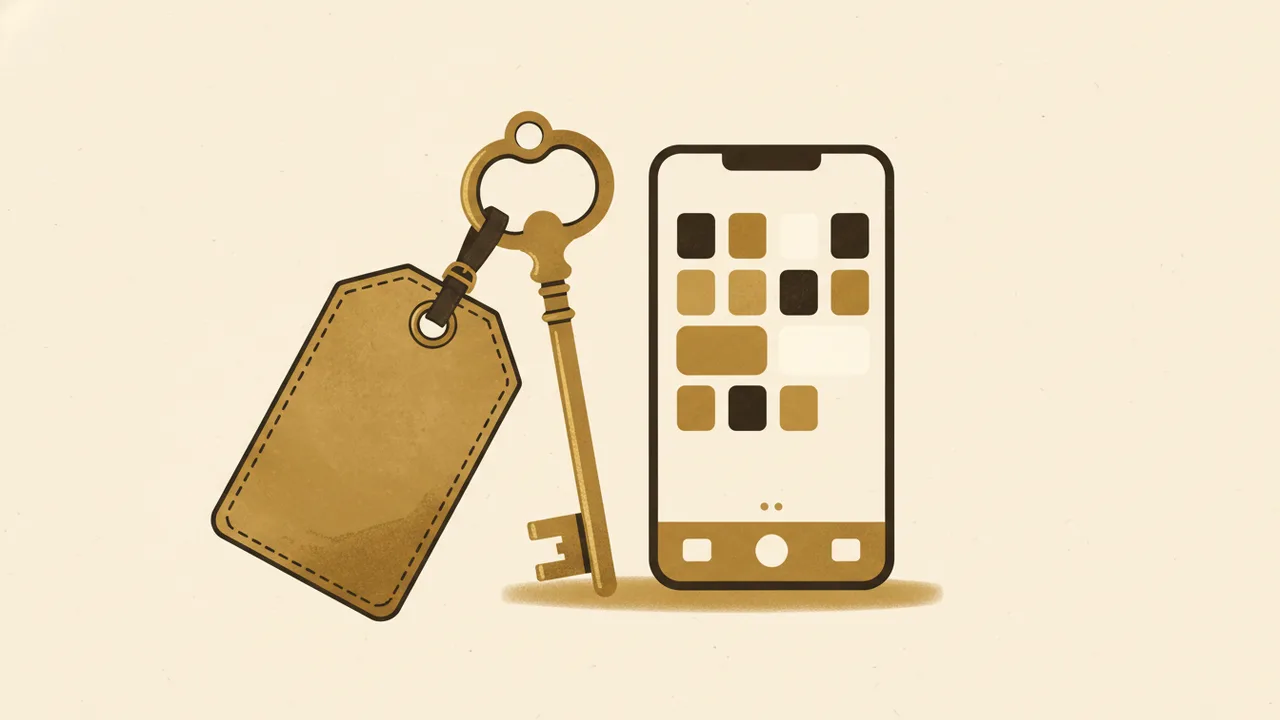
Short answer: renting a Google Play developer console can be reasonably safe — but only for legitimate, policy-compliant apps, only with a trustworthy provider, and never as a way to dodge a ban or sneak a rule-breaking app onto the store. The arrangement itself is a grey area, and the real risk is rarely the rental; it's who you rent from and what you publish. Here's the honest version.
What "renting a Play console" actually means
A Google Play Console is the dashboard a developer uses to publish and manage Android apps. Renting one means paying someone who already owns a verified developer account to publish your app under their account — you build and upload the app, they (or you, with delegated access) push it live through their console.
It is essentially managed publishing: you get a live listing without opening, verifying and seasoning your own account. The trade is simple to state and easy to underestimate — you don't own the front door.
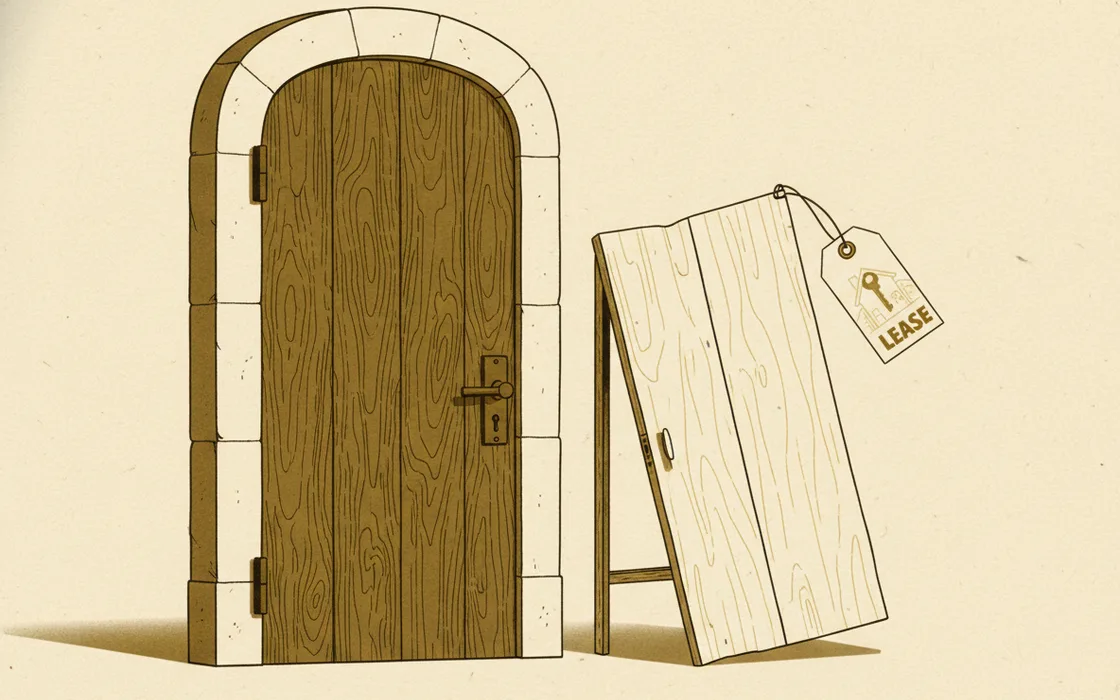
Why people rent in the first place
This market exists for real, mostly mundane reasons:
- The new-account waiting room. Personal developer accounts created recently must run a closed test with at least 12 testers for 14 days before they can even apply for production access. Renting an established account skips that gate.
- Identity verification friction. Google now requires identity verification, and organisation accounts need a D-U-N-S number. Some developers — especially solo or overseas — find that slow or impractical.
- Speed to market. Agencies and indie devs who want to test an idea this week, not next month, treat a rented console as a launchpad.
- Account reputation. An older account with a clean history can clear review smoother than a brand-new one.
None of those reasons is shady on its own. The trouble starts when "skip the queue" quietly becomes "skip the rules."
The honest risk list
Here's what you're actually exposing yourself to. No sugar-coating:
- It's a policy grey area. Google's Developer Distribution Agreement is written around one verified owner per account and restricts sharing access. Renting isn't openly endorsed; you're operating in the margins of the terms.
- Shared fate. If the account is suspended — for your app, another renter's app, or the owner's own mistake — everything on it can vanish at once, including your live, earning app. This is the big one.
- You don't own the listing. The URL, the install base, the reviews and the ratings live under someone else's identity. Lose the relationship, and you can lose the asset.
- Payments route to the owner. Revenue flows through their payment profile by default. Without a clear written agreement, getting paid is a trust exercise.
- Counterparty risk. The provider could disappear, hike prices, or get their whole account banned for someone else's behaviour. You're only as safe as they are careful.
Renting a console never launders an app. A policy-violating app is just as removable on a rented account as on your own — you've only added a second party who can bring you down with them.
How to rent safely (if you're going to)
"Safe" is mostly a function of discipline. If you do this, do it like a professional:
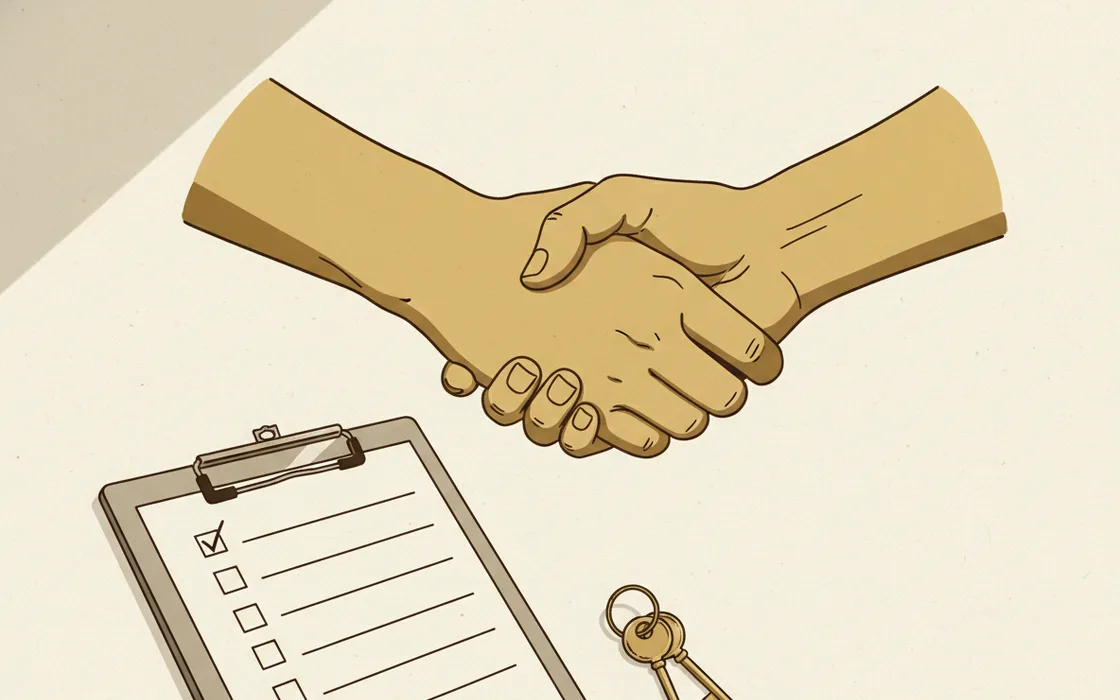
- Publish only clean, compliant apps. The fastest way to lose a rented console is to put something on it that wouldn't survive review on your own account. If your app can't pass policy honestly, renting won't save it — it'll just cost you more when it falls.
- Vet the provider hard. How long have they operated? How many consoles, how many bans? Will they give references? A serious provider answers plainly; a vague one is a red flag.
- Get it in writing. Term, price, who owns the listing, how revenue is split and paid, what happens if the account is suspended, and how you exit. A handshake is not a contract.
- Keep what's yours. Hold your own source code and — where the arrangement allows — your signing key. The more you control, the easier it is to move your app to your own account later via Google's official app transfer process.
- Separate the money. For paid apps or in-app purchases, settle payout mechanics before launch. For many renters, the cleanest setup is a console used only for free or ad-supported apps.
- Treat it as a bridge, not a home. Use the rental to launch and validate, then migrate to your own verified account once it clears the testing gate. Owning your front door is always the end goal.
The safer, slower alternatives
Worth weighing before you rent anything:
- Your own account. $25 once, plus verification and the testing window. Slow, but 100% yours and the cheapest option over time.
- An organisation account. If you have a registered business, the D-U-N-S route gives you a durable, ownable account.
- A publishing partner or agency that publishes on your behalf under a clear contract — closer to a service than a back-room rental.
Whatever route you choose, the security basics still apply: the account holder should be on a strong two-factor method (ideally passkeys), because a hijacked developer account takes every app on it down too.
The verdict
Renting a Google Play console is not the scam some make it out to be, nor the risk-free shortcut others sell. It's a managed-publishing arrangement with shared fate. For a legitimate, policy-clean app, with a provider you've actually vetted and terms you've put in writing, it can be a sensible bridge to market. As a way to evade a ban, skip identity checks for sketchy software, or publish something that couldn't pass review — it's a fast way to lose your app, your money, or both. Safe is a verb here, not a guarantee.
Key takeaways
- Renting = publishing under someone else's verified account: managed publishing, not ownership.
- The biggest risk is shared fate — one suspension can take every app on the console down.
- It's a grey area in Google's terms; it never makes a rule-breaking app safe.
- Do it safely with a vetted provider, a written agreement, clean apps, and an exit plan.
- Your own verified account is cheaper and safer long-term — treat renting as a bridge.
Frequently asked questions
Is renting a Google Play console against Google's rules?
It sits in a grey area. Google's Developer Distribution Agreement is built around the idea that an account belongs to its verified owner, and it restricts sharing or transferring account access. Renting doesn't automatically get an app removed, but it does mean the listing legally lives under someone else's verified identity — and Google can act on the account if its policies are broken.
Can my app be removed if I rent a console?
An app is removed for breaking content policy, not for the account arrangement itself. The catch is that if the account is suspended for any reason — yours or another renter's — every app on it can go down with it. That shared fate is the single biggest risk of renting.
Who gets the payments from a rented console?
By default, payouts route to the payment profile attached to the account — usually the owner's. If you sell a paid app or run in-app purchases, agree in writing exactly how revenue is handled before you publish, or use a console rented only for free apps.
Is it cheaper than my own account?
Short-term, sometimes. A new personal account is a one-time $25 plus identity verification and a 12-tester / 14-day closed-testing period before you can go live. Renting skips that wait. Long-term, your own verified account is cheaper and fully yours.