Passkeys Explained: The Beginning of the End for Passwords
Passkeys replace passwords with something you can't forget, reuse or get phished. Here's how passkeys actually work and why you should start using them.
Passwords are a 60-year-old idea we've all quietly hated. We reuse them, forget them, and hand them to fake login pages without realising. Passkeys are the replacement that's finally going mainstream — and once you understand them, you'll want to switch.
The core idea
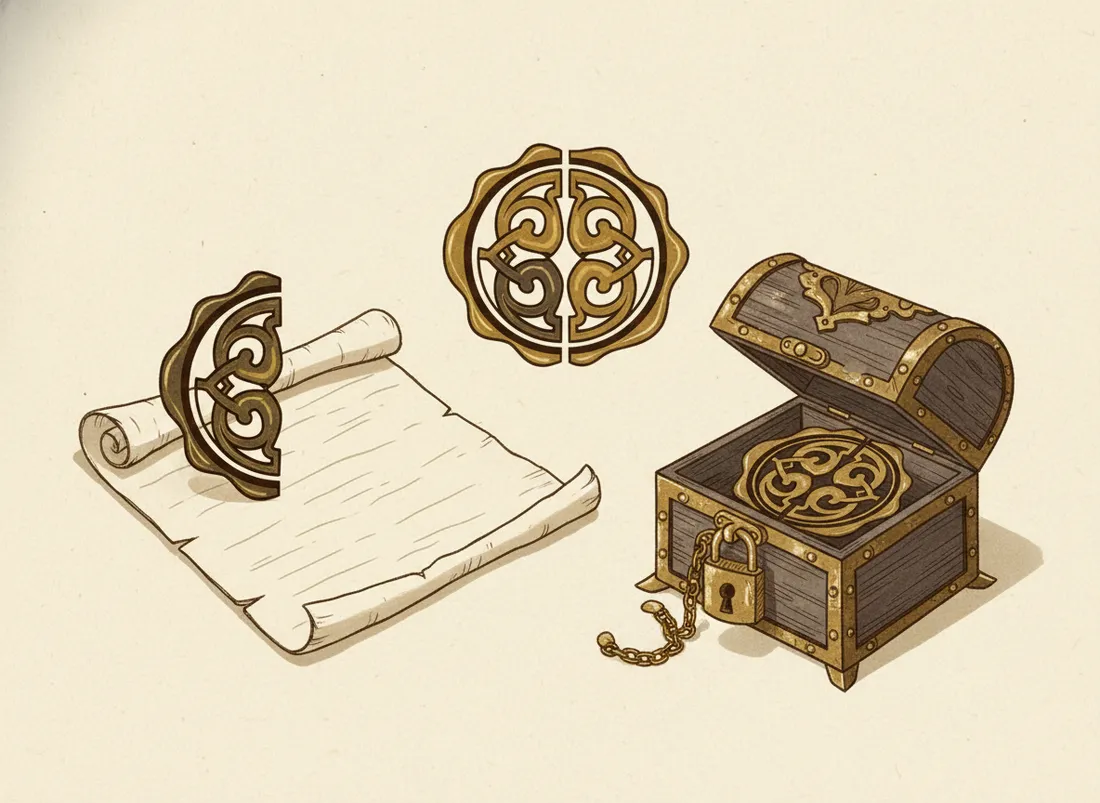
A passkey isn't a secret you type. It's a pair of cryptographic keys. When you create a passkey for a site, your device generates two matching keys: a private one that never leaves your device, and a public one the site stores. To log in, the site sends a challenge; your device signs it with the private key; the site verifies it with the public key. You approve with your fingerprint, face, or device PIN.
Why this fixes everything passwords got wrong
- Nothing to steal in a breach. The site only stores your public key, which is useless to attackers.
- Can't be reused. Each passkey is unique to one site, so one leak can't cascade.
- Can't be phished. A passkey is bound to the real site's identity. A look-alike phishing page simply won't match — the magic that defeats the trick behind most phishing.
- Nothing to forget. You authenticate with biometrics or a PIN you already use.
Passwords ask "do you know the secret?" Passkeys ask "are you holding the right device?" — a much harder thing to fake.
"But what if I lose my device?"
The common worry, and it's handled. Passkeys sync securely through your platform keychain (Apple, Google) or a password manager, so a new phone restores them. You can also register several devices. Set up sync or a backup device once, and a lost phone is an inconvenience, not a lockout.
How to start
Next time a major site offers "create a passkey" or "set up passkey sign-in," say yes — your bank, email, and social accounts increasingly support it. Keep your password as a fallback for now. Pair this with strong two-factor authentication on anything that doesn't yet support passkeys, and your account security jumps dramatically.
Key takeaways
- A passkey is a key pair; the private half never leaves your device.
- You log in with biometrics/PIN — nothing to type, remember, or leak.
- Immune to reuse and phishing; breaches expose nothing useful.
- They sync across devices, so a lost phone isn't a lockout.
Frequently asked questions
What happens if I lose my phone with my passkeys?
Passkeys sync through your account's keychain (Apple, Google, or a password manager), so a new device restores them. You can also register multiple devices. Losing one device doesn't lock you out if you've set up sync or backups.
Are passkeys safer than passwords?
Substantially. There's no secret to steal in a breach, nothing to reuse across sites, and they can't be phished because they're tied to the real website's identity. They're the biggest practical security upgrade most people can make.