Two-Factor Authentication: Which Method Is Actually Secure?
Not all two-factor authentication is equal. SMS codes, authenticator apps, and security keys differ a lot in safety. Here's how to rank and choose them.
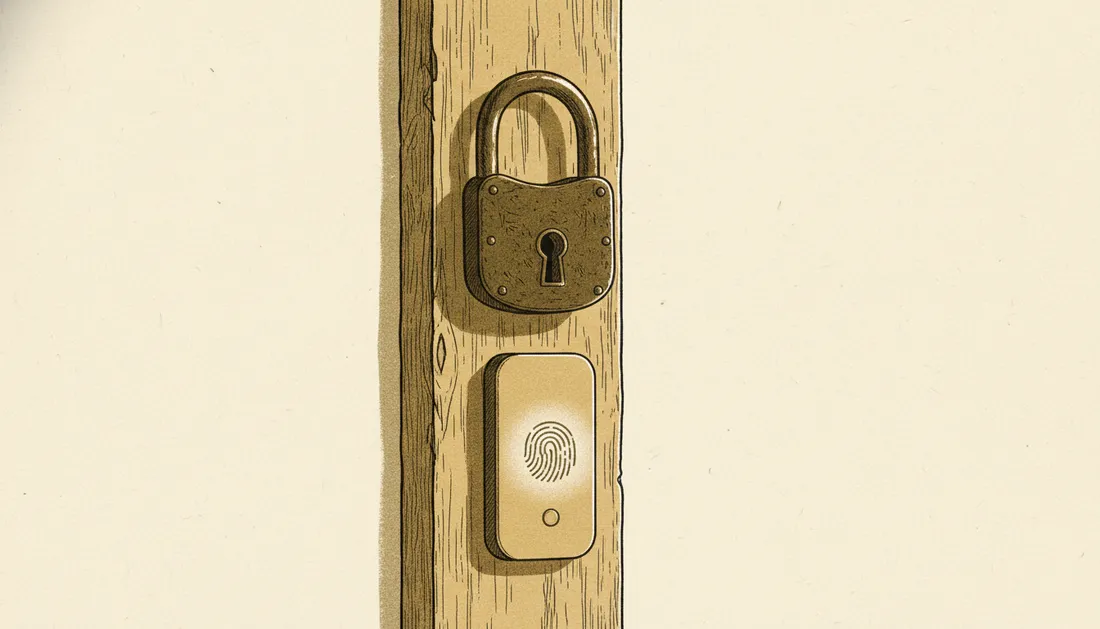
Turning on two-factor authentication (2FA) is one of the best security moves you can make — a stolen password alone no longer gets anyone in. But "2FA" covers several methods that differ enormously in how safe they actually are. Here's the ranking.
How 2FA works
It requires two of: something you know (password), something you have (phone, key), or something you are (fingerprint). Even if an attacker steals your password, they're missing the second factor.
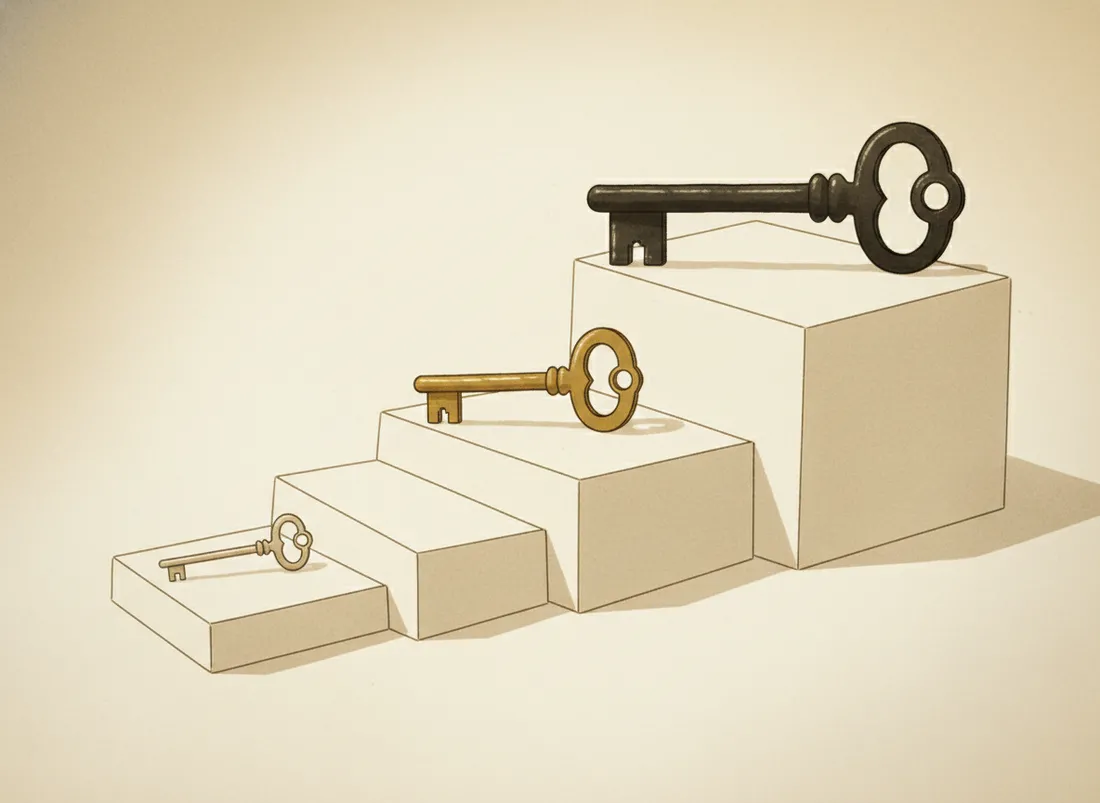
The methods, weakest to strongest
SMS codes — better than nothing
A code texted to your phone. Convenient and universal, but the weakest: codes can be phished in real time, and SIM-swap attacks let criminals hijack your number. Use it only where it's the sole option.
Authenticator apps — the sweet spot
Apps that generate a rotating 6-digit code on your device. No SIM to hijack, works offline, and the code never travels over a network. For most people this is the right default — strong and free.
Hardware security keys — the gold standard
A small physical key you tap or plug in. Crucially, it's phishing-resistant: it cryptographically checks it's talking to the real site, so it won't release anything to a look-alike page. This is what defeats even a perfectly disguised phishing attack.
SMS asks "did you get a code?" A security key asks "is this the real site?" — which is the question that actually stops phishing.
And then there are passkeys
Passkeys (which we cover in our passkeys guide) take this further — they replace the password and the second factor with one phishing-resistant step. Where offered, they're the best option of all.
What to actually do
- Turn on 2FA everywhere, starting with email (it's the key to all your other accounts).
- Prefer an authenticator app over SMS wherever you can.
- For your most important accounts, add a hardware key or passkey.
- Save your backup codes somewhere safe so you're not locked out.
Key takeaways
- Any 2FA beats none, but the method matters a lot.
- Ranking: security key / passkey > authenticator app > SMS.
- SMS is vulnerable to SIM-swaps and real-time phishing.
- Turn on 2FA for email first; keep backup codes safe.
Frequently asked questions
Is SMS 2FA still worth using?
Yes — any 2FA is far better than none. But SMS is the weakest type because codes can be intercepted or SIM-swapped. Use it only where nothing stronger is offered.
What's the most secure 2FA?
A hardware security key (or a passkey), because it's phishing-resistant — it verifies the real site and won't hand a code to a fake one. Authenticator apps are a strong, convenient middle ground.