How Ransomware Works — and How Not to Be a Victim
Ransomware locks your files and demands payment. Here's the anatomy of an attack, how it gets in, and the simple defences that actually stop it.
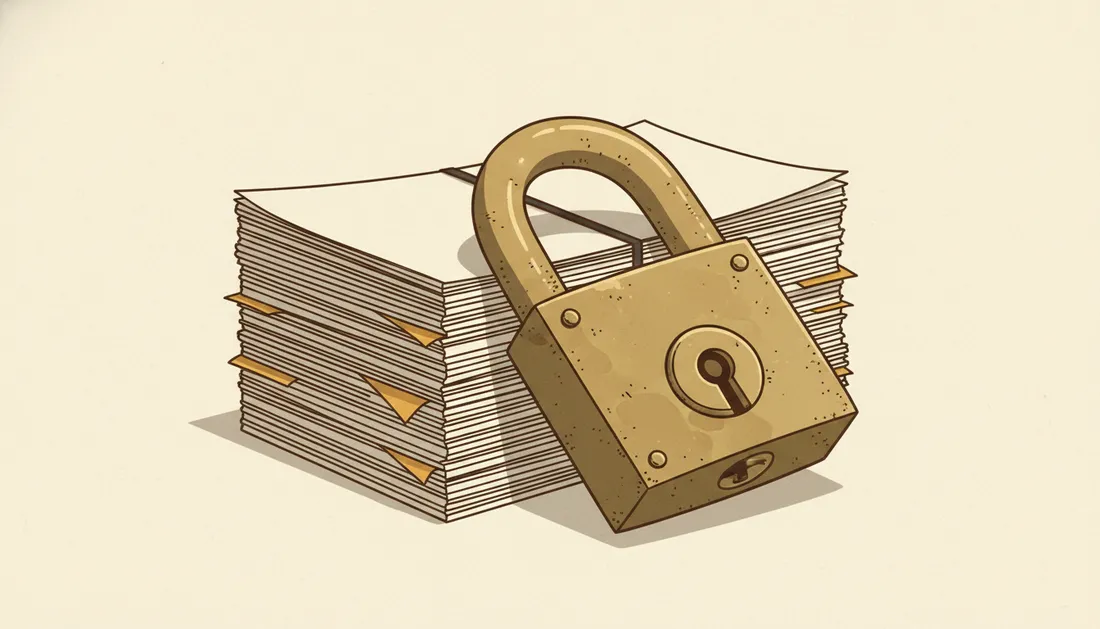
Ransomware is malware with a business model: it encrypts your files, then demands payment for the key. It hits individuals, hospitals and whole city governments. The mechanics are simpler than you'd think — and so, encouragingly, are the defences.
The anatomy of an attack
- Entry. Usually a phishing email, a malicious attachment, a stolen password, or an unpatched vulnerability.
- Spread. Once inside, it quietly moves across the network, looking for valuable files and backups.
- Encryption. It scrambles your files with strong encryption only the attacker can reverse.
- Demand. A ransom note appears, usually demanding cryptocurrency, often with a countdown.
- Double extortion (modern twist). Many gangs also steal the data first and threaten to leak it — so backups alone don't fully protect you.
The defences that actually work
You don't need to be a security expert. A few habits stop the vast majority of attacks:
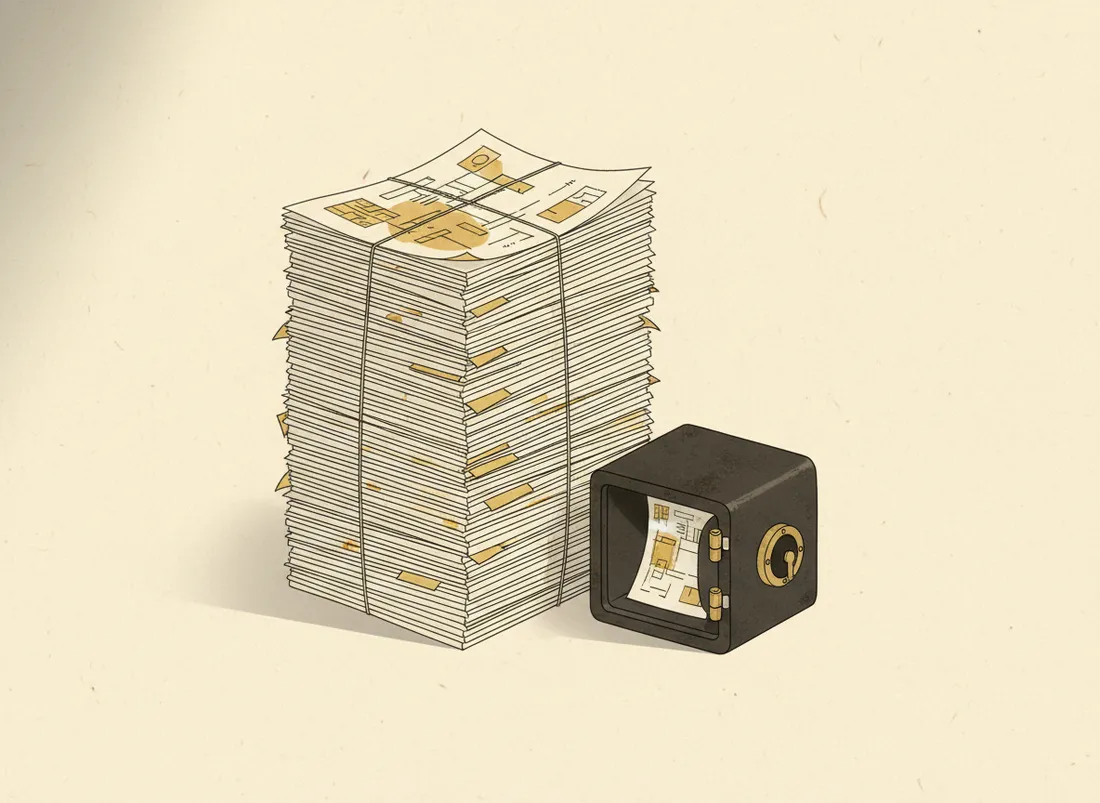
- Backups, done right. Follow 3-2-1: three copies, two types of media, one offline or immutable. Test that you can actually restore. This is the big one.
- Patch promptly. Many attacks exploit known holes that a pending update would have closed.
- Beware attachments and links. Most ransomware still arrives by email. The phishing red flags apply directly.
- Strong, unique logins + 2FA. Stops stolen passwords becoming a network-wide breach.
- Least privilege. Don't run day-to-day as an admin; limit what any one account can reach.
Ransomware's power is leverage. A tested backup quietly takes that leverage away.
If you're hit
Disconnect the device from the network immediately to limit spread. Don't rush to pay — restore from backup if you can, and report it to the authorities. Paying funds the next attack and doesn't guarantee recovery. The work you do before an attack is what decides how bad it is.
Key takeaways
- Ransomware encrypts your files and demands payment; many gangs also steal data.
- It usually enters via phishing, bad attachments, or unpatched systems.
- Tested 3-2-1 backups are the single best defence.
- Patch, beware attachments, use 2FA, and limit account privileges.
Frequently asked questions
Should you pay the ransom?
Authorities generally advise against it: payment funds more attacks, and there's no guarantee you get your files back. Good backups make the question moot — you restore instead of paying.
What's the single best protection against ransomware?
Reliable, tested, offline (or immutable) backups. If you can restore your data, ransomware loses its leverage. Combine with patching and phishing awareness to stop it getting in.