Does Dark Mode Actually Save Battery? The Real Answer
Dark mode is easy on the eyes, but does it save battery? The honest answer depends entirely on your screen type. Here's what actually happens — with the catch.

Dark mode looks sleek and is gentle on the eyes at night. But the popular claim that it saves battery is only sometimes true — and the reason comes down to one thing: what kind of screen you have.
It all depends on your display
There are two common screen types, and they handle "black" completely differently:
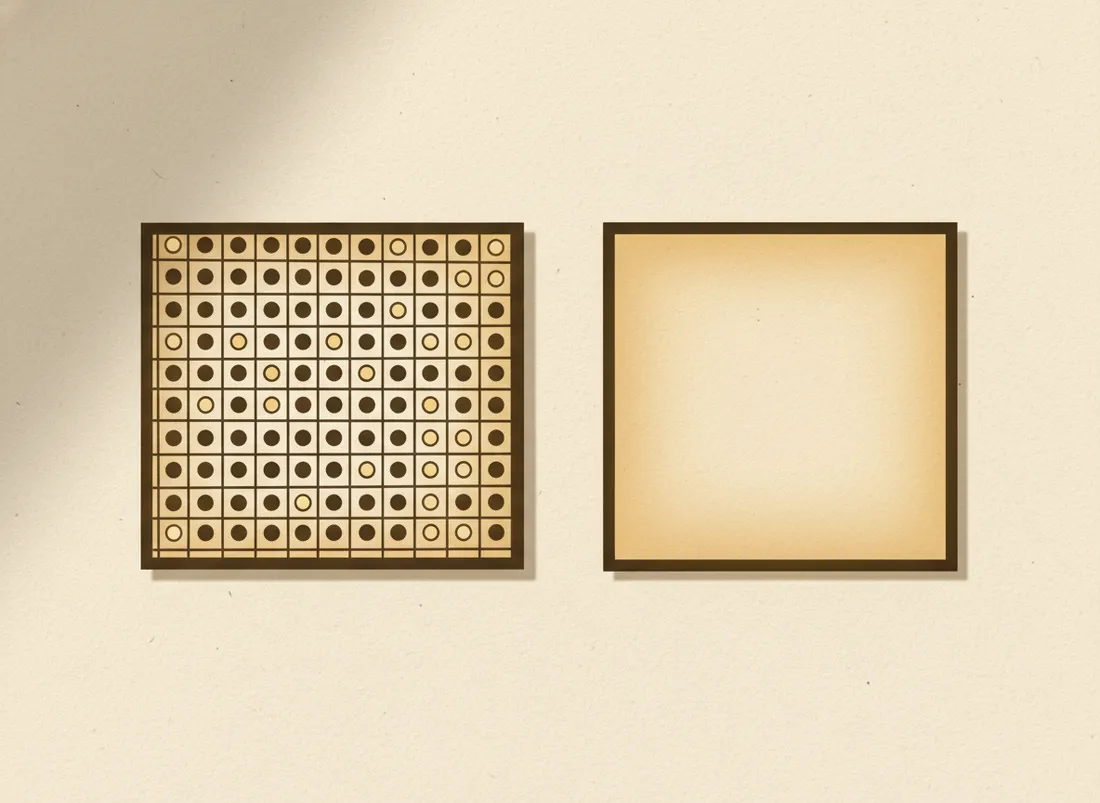
OLED / AMOLED — yes, it saves power
On an OLED screen, each pixel makes its own light. To show black, the pixel simply switches off. So a dark interface literally powers down large parts of the screen. Since the display is one of the biggest battery drains, this is a real saving — modest in everyday mixed use, larger if you're looking at mostly-dark screens.
LCD — no meaningful saving
An LCD screen has a single backlight shining through the whole panel all the time; the pixels just block or pass that light to make colours. Black pixels still have the backlight blazing behind them, so dark mode saves essentially nothing on battery. It still looks nice and reduces glare — just don't expect longer life.
On OLED, black is "off." On LCD, black is just "blocked." That single difference is the whole answer.
How much does it actually save (on OLED)?
For typical mixed use at normal brightness, the saving is real but modest. It grows the higher your brightness and the darker the content — reading dark screens at high brightness is where you'll notice it most. At low brightness in a dim room, the difference shrinks.
The honest takeaway
Use dark mode because you like it and it's easier on the eyes — those are the strong reasons. If you have an OLED phone, enjoy a genuine bonus battery saving on top. If you have an LCD, it's purely an aesthetic and comfort choice. Either way, the bigger battery wins come from screen brightness and avoiding heat, as we cover in phone battery myths.
Key takeaways
- Dark mode saves battery only on OLED/AMOLED screens.
- OLED black = pixels off; LCD black = backlight still on.
- On OLED the saving is real but modest, bigger at high brightness.
- Choose dark mode for comfort; treat OLED battery savings as a bonus.
Frequently asked questions
Does dark mode save battery on every phone?
No — only on OLED/AMOLED screens, where black pixels are genuinely switched off. On LCD screens (with a constant backlight), dark mode saves essentially nothing.
How do I know if my phone has OLED?
Check the spec sheet for 'OLED' or 'AMOLED.' Most flagship phones use OLED; many budget phones and older models use LCD. If unsure, a true-black test image that makes the screen look 'off' suggests OLED.